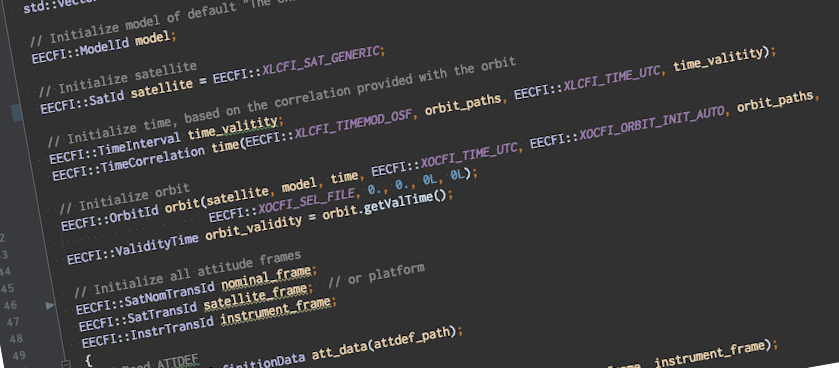
Earth Observation Mission CFI Software v4.29 has been released!
The latest version can be downloaded here with the detailed release notes available here.
User registration is required. Please find detailed instructions here.
The following is a summary of new features and problems solved in this release.
New Features & Improvements
- Update libxml2 and libtiff dependencies to latest versions (ANR-1061)
- Relax inclination limits for SAT_GENERIC (ANR-1067)
Earth Observation Mission CFI Software v4.28 has been released!
The latest version can be downloaded here with the detailed release notes available here.
User registration is required. Please find detailed instructions here.
The following is a summary of new features and problems solved in this release.
New Features & Improvements
- JAVALIB upgraded to OpenJDK 11
Bug Fixes
- ANX time calculation corrected when in True-of-Date (ANR-977)
- Sign error in xl_geod_distance implementation (ANR-1047)
- Fixed wrong time validity reporting in JAVALIB when orbit is initialised with state vector (ANR-1048)
- Inconsistent orbit time results between xo_time_to_orbit and xo_osv_compute_extra (ANR-1049)
- Memory leak in XD_Read_ephemeris_xml (ANR-1050)
- Clarify that xml_validate requires local copy of schemas, as LibXML2 does not support https (ANR-1052)
- xl_geod_distance incorrectly warns for antipodal points (ANR-1053)
- xv_time_segments_and_compute sometimes produced wrong results (ANR-1054)
- xo_orbit_init_file incorrectly tried to interpolate GEO satellite orbits (ANR-1056)
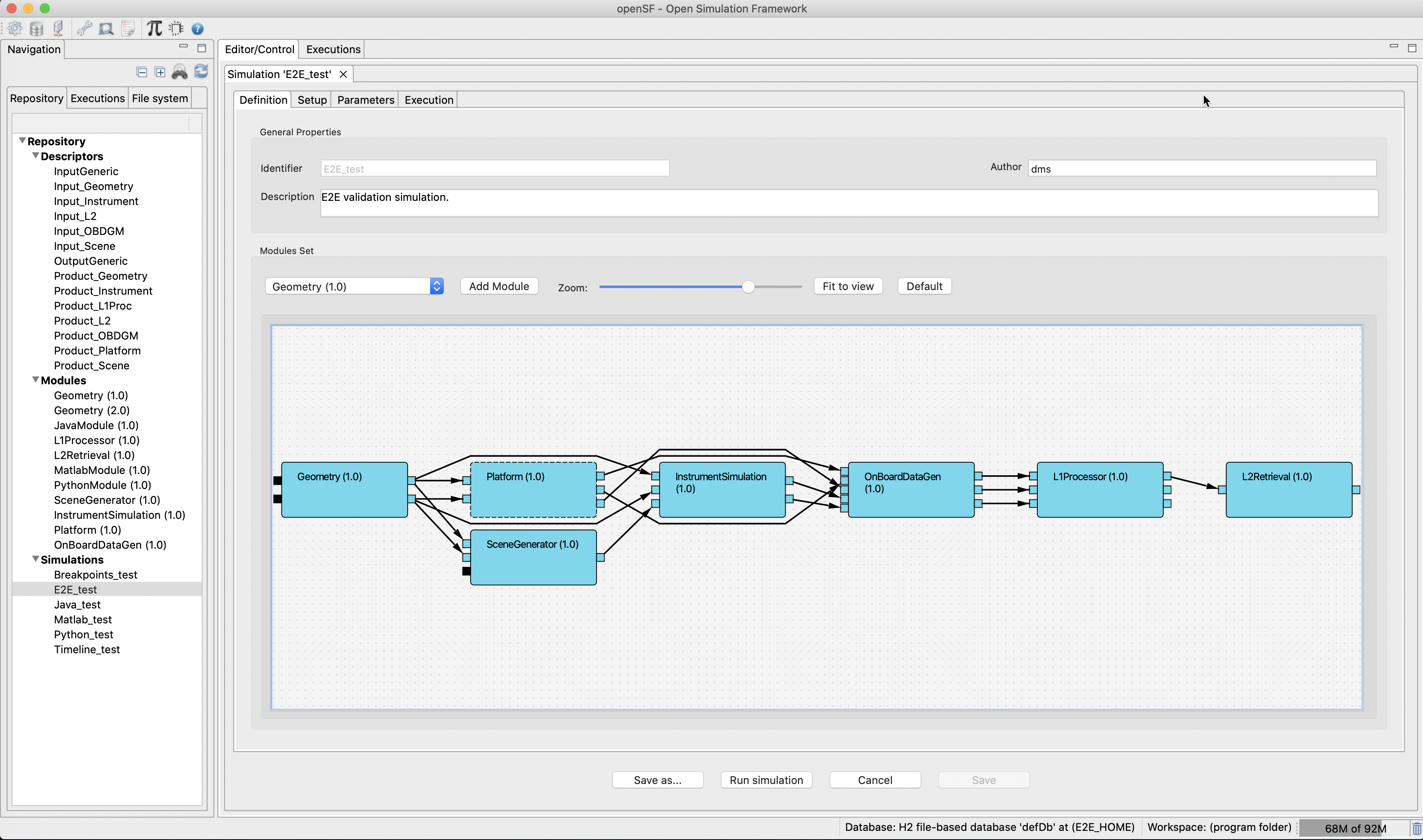
OpenSF v4.5.0 has been released and can be downloaded here.
User registration is required. Please find detailed instructions here.
New functionalities
- ANR-056: Redesign of the openSF editors UI
- ANR-408-A: Build Mac/ARM64-native version of the openSF/PE packages and installer
- ANR-410: Combo boxes’ lists are refreshed when they are opened
- ANR-412: Notarize macOS installers
- ANR-420: Allow dialogs with tables/trees to be resized below their initial size
Corrections
- ANR-409: Paths formats are not coherent throughout openSF
- ANR-414: openSF and PE cleanup of static analysis issues and coverage improvement
- DMS-753 (no ANR): Simulation cannot be saved after switching module versions
Known bugs and issues
- In macOS, table columns stop auto-resizing when their size is manually changed. This is due to a bug in the underlying Eclipse RCP, with Eclipse bug id #564840.
- ANR-339: in Linux, the simulation editor GUI can be unstable, especially while using Wayland-based graphics. A workaround is to launch openSF with the environment variable “GDK_BACKEND” set to the value “x11”.
All Release Notes are available here
The first issue of the ESA Python Coding Rules and the ESA Python Guideline documents has been published with the aim to standardise Python usage, promote code efficiency, robustness and long term maintainability in particular of the E2E Simulators and Processor Prototypes.
The ESA Python Coding Rules are normative to be included as part of requirements for SW written in Python while the ESA Python Guidelines are reference for context and information.
Both documents can be found at System Support Docs
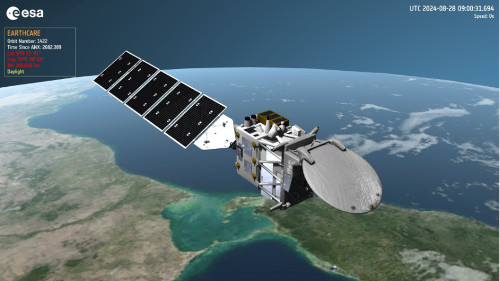
Version 1.5.0.0 of SAMIEdit (SAtellite MIssions 3D visualisation application) has been released and can be downloaded here.
Release Notes are available here.
User registration is required. Please find detailed instructions here.
New Features
- Satellite model and mission configuration file examples available for TriHEX and Arctic Weather Satellite
- GroundStations, Swaths, Ground-tracks and Orbit-track Layers can be enabled / disabled through the camera menu
- Improvements in the configuration of Orbit/Swath history tracks (maximum number, fading)
- Display resolution selection is now part of the Application menu
- Startup project can now be set during the application runtime (configuration file edition/reset)
- Improvements in the configuration of the solar array sun tracking mode or constant angle at which the deployed solar array is positioned
- Support Swath Template File (STF) as file type for swath definition
- Support for macOS ARM architecture (universal built)
- Up-to-date mission configuration files and example projects
Bug Fixes
- Artefact when satellites flying together in formation affecting the satellites not being the target camera
- The application does not exit afters selecting Quit and saving a (modified) project. The Quit action needs to be triggered twice.
- Swath Configuration menu cannot be closed/applied after changing swath style
- Application hangs when importing blocks from SCF not sorted in time
- On macOS, it is not possible to disable the UI overlay or set transparent background when exporting images / videos
- Application stalls when loading example project with several missions and many time blocks
- Application unresponsive when EO CFI errors displayed flooding the application during simulation

