Version 1.5.0 of SNEAK has been released and can be downloaded here.
The inStrumeNt sourcE pAcket toolKit (SNEAK) is composed of a set of command line utilities to extract/manipulate the values of specific ISP fields in L0 RAW file.
Documentation for can be found here.
The following is a summary of the changes in version 1.5.0.
New Functionality and Improvements
- Added isp_annotate to prepend an annotation to all ISPs in a given file
- Update isp_transform to allow applying the transformation only to ISPs where some field has value in a given range
- Added isp_crcfix to correct the CRC of the ISP (this was already included in 1.4.0)
- Enabled isp_sequencer to consider a single counter shared by multiple ISPs (this was already included in 1.4.0)
- updated the FLEX schema example to include the latest schema (v1.0.3)
- Built using DFDL4S v2.0.0, so it requires Java 11 (also compatible with the latest Java 17 LTS release)
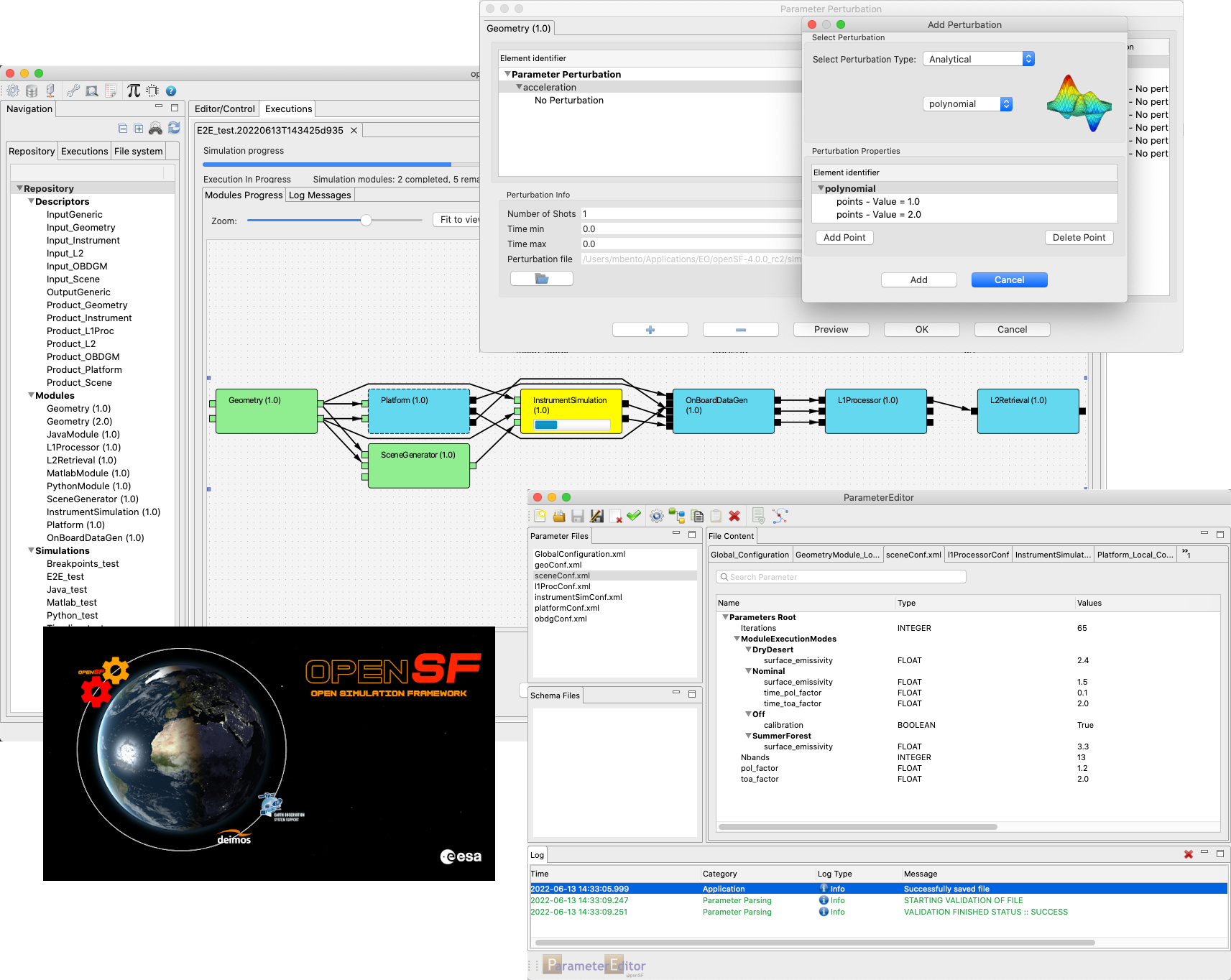
OpenSF v4.2.0 has been released and can be downloaded here.
User registration is required. Please find detailed instructions here.
New Features & Improvements
- Display simulation execution progress in multi-execution table
- Parameter Editor no longer reorders parameters by default
- Simulation post-processing tools are launched concurrently
- When a module fails, keep running the simulation as far as possible
- Generation values for iteration arithmetic sequences are now persistent
- openSF UI responsiveness improvements in multi-executions
- Show a browse button for scalar FILE parameters in openSF
Corrections
- The iterations table no longer allows custom values
- Simulation editor side panel no longer blocks most UI interactions
- Parameter validity text improved
- Clearer error message if mpstat is not installed (Linux)
- The simulation edition view is no longer reloaded on save
- Wayland issues workaround applied by default in menu/desktop launchers (Linux)
- Fix error message not being shown by openSF on failed database creation and import
- openSF no longer swallows parameters with “TimeConfiguration” in the name
- Multi-execution table no longer scrolls back to the top on its own
- Opening an element multiple times now focuses its tab instead of opening a new one
- Closing a simulation execution view opened from a multi-execution no longer offers aborting it
- Fix openSF and PE issues with XML processing instructions before the root element
- Status of I/O nodes in simulation execution graphical view is refreshed more readily
- ParameterEditor no longer duplicates a parameter when renaming it
- openSF no longer displays the GCF parameters ungrouped
- openSF and PE now remove the deprecated “value” attribute when writing configuration files
- Fix the simulation results log table filtering and sorting functionalities
- openSF now launches modules with the working directory specified by the E2E-ICD
All Release Notes are available here
OpenSF v4.2.1 has been released and can be downloaded here.
User registration is required. Please find detailed instructions here.
Corrections
- Fix openSF moving parameter elements around in configuration files
- Fix ParameterEditor bug that caused some parameters to be renamed on saving
All Release Notes are available here
Download the documentation
The documentation is accessible without any registration via the Docs and Mission Data Link in the top horizontal bar.
Download the Software
Software download is available only after registration. In order to register, the user has to take the following steps:
- Create an account:
- Use the “Create an account” link in the right panel.
- Fill and submit the registration form. An e-mail will be sent to the address provided with an activation link.
- Register for the specific Software product:
- Log in via the Login Form in the right panel.
- Select the product you want to download (you can select the main areas, Applications or CFI, via the top horizontal menu and then the specific product via the left menu).
- open the Registration link on the left panel. You will be requested to provide some information and agree with the Software Licence.

The EOP System Support Division distributes documentation, data and Software tools aiming to help users involved in Earth Observation missions preparation and exploitation.

